
 INR
INR  USD
USD 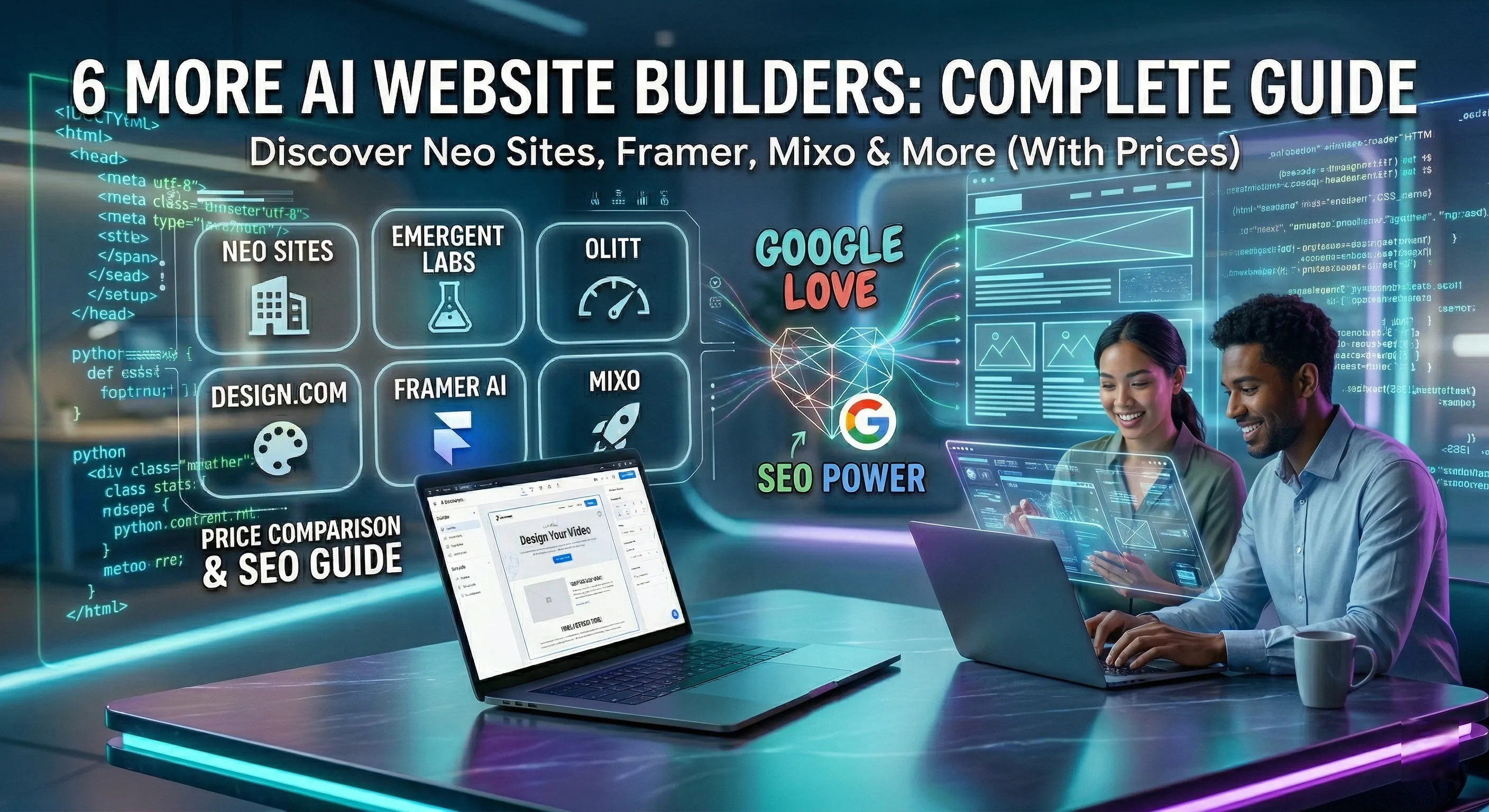
The Future is Now: How to Let AI Create a Website for You in 2026
We are standing at the edge of a massive shift in how the internet is built. Just a few short years ago, launching a professional online presence meant spending weeks learning how to code, or spending thousands of dollars hiring a web development agency. Then came the era of drag-and-drop builders, which simplified things but still required an eye for design and hours of meticulous tweaking. Today, we have entered an entirely new frontier. If you want to get online rapidly, you can literally have an AI create a website for you in a matter of minutes.
But what does this actually mean? Is artificial intelligence truly capable of designing a unique, functional, and beautiful website from a simple text prompt? And more importantly, if an AI builds your site, will search engines like Google actually rank it, or will it be penalized as automated spam?
In this comprehensive, human-centric guide, we are going to explore exactly how AI website builders work, the best platforms available on the market right now, how to write the perfect prompts to get the design you want, and how to combine AI efficiency with the authentic human touch that Google’s SEO algorithms absolutely love.
The "Human-Written" Promise for SEO
Before we dive into the technology, let’s address the elephant in the room: Google Love. Google's algorithms are incredibly smart. They prioritize content that demonstrates Experience, Expertise, Authoritativeness, and Trustworthiness (E-E-A-T). While you can absolutely use AI to build the framework, code, and layout of your website, the core message, the empathy, and the unique value proposition must come from you. AI is your co-pilot, not your replacement. The websites that rank highest use AI for speed, but rely on human insight for connection.
How Does It Work When AI Creates a Website?
When you use a traditional website builder, you start with a blank canvas or a generic template. You then manually drag text boxes, image placeholders, and buttons onto the screen. It is a manual, labor-intensive process.
When you ask an AI to create a website, the process is entirely conversational and generative. You provide the AI with a prompt—a description of your business, your target audience, your preferred aesthetic, and your overall goals. Behind the scenes, large language models (LLMs) and advanced design algorithms process this information to instantly generate a custom-coded website. The AI simultaneously acts as your web designer, your copywriter, and your developer.
- Layout Generation: The AI understands user experience (UX) best practices and automatically structures your headers, service sections, and contact forms where they will convert best.
- Color & Typography: Based on the mood you describe (e.g., "modern and corporate" vs. "playful and artistic"), the AI selects complementary color palettes and font pairings.
- Draft Copywriting: The AI populates your site with highly relevant draft text, saving you from the dreaded "Lorem Ipsum" placeholder blocks.
Top 4 Platforms Where AI Can Create a Website
The market is currently flooded with tools claiming to have AI capabilities, but only a few deliver truly remarkable, production-ready results. Here are the top platforms leading the AI web design revolution:
1. Wix Studio AI: The Powerhouse

Wix has integrated AI deeply into its entire ecosystem. With their AI site generator, you simply chat with a virtual assistant, answering questions about your business needs. Within minutes, it generates a fully fleshed-out website, complete with images, text, and business solutions (such as booking systems or e-commerce stores). The biggest advantage of Wix is that once the AI generates the site, you have access to their world-class drag-and-drop editor to make granular, human adjustments.
2. Hostinger AI Website Builder: The Speed Demon

If your goal is to go from zero to published in under five minutes, Hostinger is unparalleled. You simply enter your brand name, select your website type, and write a brief description of what you do. The AI instantly generates three unique templates for you to choose from. It is highly optimized, exceptionally fast, and includes an AI logo maker and AI SEO tools built right into the dashboard.
3. Framer AI: The Designer's Choice

Framer approaches AI from a purely design-centric perspective. It is tailored for creatives, agencies, and startups that want a website that looks like it won a design award. You type a single prompt, and Framer generates a stunning, highly animated, and responsive landing page. If you don't like the colors or fonts, you can instantly shuffle them with the click of a button until you find the perfect vibe.
4. 10Web: The WordPress AI Solution

If you know that you want the SEO power and scalability of WordPress, but you don't want to deal with the steep learning curve, 10Web is the answer. Their AI builder can either generate a brand new WordPress site from a text prompt, or it can actually clone the layout of an existing website if you provide a URL (giving you a customizable template inspired by a site you admire).
5. Neo Sites: The Intelligence of Micro-Niche Design

Neo Sites has carved out a reputation for being the "thinking man's" AI builder. While other tools focus on generic layouts, Neo’s AI engine is specifically trained on high-converting industry data. When you ask Neo Sites to ai create website for a very specific niche—say, a boutique organic tea shop or a forensic accounting firm—it doesn't just guess. It analyzes successful structures within that specific industry to generate a site that feels "correct" to the target audience.
From an SEO perspective, Neo Sites is impressive because it generates structured data (schema markup) automatically based on your industry. This helps Google understand exactly what your business does, increasing your chances of appearing in specialized search snippets.
6. Emergent Labs: The Experimental Aesthetic

Emergent Labs is for those who are tired of the "cookie-cutter" look of the modern web. Their AI doesn't just follow standard grid patterns; it experiments with generative art and unconventional layouts. If your brand is about innovation, technology, or "the future," Emergent Labs uses AI to create a website that reflects that boundary-pushing spirit. It utilizes a unique "style-transfer" AI that can take the visual vibe of a reference image and apply it to your entire website's UI.
7. Olitt: Built for Speed and DNS Efficiency

Olitt often flies under the radar, but it is a secret weapon for those who prioritize technical performance. Olitt’s AI focuses heavily on the "back-end" of the website creation process. When it builds your site, it optimizes every line of code for Core Web Vitals—Google’s critical speed and stability metrics. For users who need to ai create website versions for different regions, Olitt’s built-in global CDN (Content Delivery Network) ensures that your AI-generated site loads instantly anywhere in the world.
8. Design.com: The All-in-One Branding Suite

Design.com (powered by the same technology behind several massive creative suites) takes a holistic approach. It understands that a website is just one part of your brand. When you use their AI to create a website, it simultaneously generates a logo, social media kits, and brand guidelines that match the site perfectly. It creates a "visual harmony" that is difficult to achieve manually. For a small business, this level of brand consistency is a major trust signal for both users and search engine algorithms.
9. Mixo: The "One-Sentence" Startup Launchpad

Mixo is perhaps the most impressive example of AI efficiency. It is designed specifically for entrepreneurs who want to validate an idea. You describe your startup in one single sentence, and Mixo's AI creates a landing page, generates a brand name, crafts a logo, and—most impressively—sets up an email waiting list form. It is the ultimate tool for "building in public." Within 60 seconds, you have a professional-grade funnel ready to collect leads.
Pce Comparison: Finding the Best Value for Your AI Site
Choosing the right tool isn't just about features; it's about the bottom line. Here is a detailed breakdown of the pricing structures for these AI-driven platforms to help you budget for your digital launch.
| AI Platform | Free Tier? | Premium Starting Price | Best For... |
|---|---|---|---|
| Neo Sites | Yes (Trial) | $12 / month | Niche Professional Services |
| Emergent Labs | No | $25 / month | Tech Startups & Creative Labs |
| Olitt | Yes (Generous) | $5 / month | Budget-Conscious SEO |
| Design.com | Limited | $19 / month | Full Brand Identity |
| Framer AI | Yes (Free Subdomain) | $15 / month | High-End Portfolios & SaaS |
| Mixo | Free to Try | $9 / month | Rapid Idea Validation |
The SEO Blueprint: Making Google Fall in Love with AI Design
Regardless of which platform you choose, the goal is always the same: ranking. Having an ai create website for you is only the first half of the battle. The second half is optimizing it for search engine dominance. Here is how you ensure your AI-generated site gets that coveted "Google Love."
1. The "EEAT" Content Layer
Google rewards Experience, Expertise, Authoritativeness, and Trustworthiness. AI cannot (yet) have lived experience. You must manually add a "Team" or "About" page that features real human photos, real biographies, and links to social profiles. This tells Google that there is a responsible human behind the AI-generated curtains.
2. Semantic Keyword Naturalization
AI builders often repeat the same keywords too many times, which can look like "keyword stuffing" to Google. Go through your AI-generated text and ensure the language flows naturally. Use synonyms and related concepts. If your keyword is "ai create website," mention "artificial intelligence web design" or "generative site building" elsewhere to provide semantic depth.
3. Technical Performance Audit
Use tools like Google PageSpeed Insights on your new AI site. While platforms like Olitt and Framer are optimized, sometimes the AI adds heavy animations or uncompressed images. Manually compress your images and ensure your site loads in under 2.5 seconds to keep both Google and your users happy.
Final Verdict: Which AI Should Design Your Future?
The technology has reached a point where the question is no longer "Can I use AI to build a site?" but rather "Which AI matches my personality?"
If you are a startup founder needing quick validation, Mixo is your best friend. If you are a designer who wants total control with AI assistance, Framer is unbeatable. If you are a small business owner on a budget, Olitt provides the best technical bang for your buck.
By letting ai create website assets for you, you aren't just saving time—you're gaining a competitive edge. You're freeing yourself from the "technical weeds" so you can focus on what matters: your customers, your content, and your growth. The era of the human-AI partnership is here. Pick your tool, start your prompt, and build something extraordinary today.
Step-by-Step: How to Instruct AI to Build Your Site
Having an AI create a website is easy, but getting an AI to create a great website requires a little bit of strategy. Follow these steps to ensure you get a high-quality result that search engines will love.
Step 1: Master the "Mega-Prompt"
The quality of your website depends entirely on the quality of your prompt. Do not just say: "Make a website for my plumbing business." Instead, be highly specific: "Create a modern, trustworthy website for a family-owned plumbing business in Chicago. The primary goal is to get users to call our emergency hotline. Use a color palette of navy blue and safety orange. Include sections for our services, customer testimonials, and an 'About Us' page detailing our 20 years of experience."
Step 2: Generate and Regenerate
Once you submit your prompt, the AI will generate a draft. Do not settle for the very first output if you do not love it. The beauty of AI is that iteration is free and instant. Click the "Regenerate" or "Shuffle" button to explore different layouts and creative directions until you find a structure that resonates with your vision.
Step 3: Inject the Human Element (Crucial for SEO)
This is where most people fail. Once the AI generates the site, you must rewrite the core copy. AI text can be highly generic, repetitive, and devoid of actual human emotion. Google’s algorithms can detect low-effort AI copy. Go through the site and inject your real-world expertise, your actual customer success stories, and your unique brand voice. This hybrid approach—AI for the structure, human for the soul—is the ultimate key to Google Love.
Step 4: Optimize Images and Metadata
AI will often generate placeholder images. Replace these with high-quality, authentic photos of your actual business, products, or yourself. Authentic imagery builds massive trust with users. Furthermore, take a moment to review the SEO titles and meta descriptions the AI generated for your pages, ensuring they accurately target your desired keywords.
The Pros and Cons of AI Web Design
To maintain full candor, it is important to recognize that while AI is revolutionary, it is not flawless. Let’s look at the reality of using these tools.
| The Pros (Why We Love It) | The Cons (What to Watch Out For) |
|---|---|
|
|
SEO Implications: Does Google Actually "Love" AI Websites?
Because you are looking to create a ranking post with true Google Love, we need to address search engine optimization directly. Will Google penalize a site because an AI built the layout? Absolutely not.
Google has officially stated that they focus on the quality of the content, regardless of how it is produced. Google's crawlers do not care if an AI wrote the HTML and CSS that makes up the visual structure of your website. What they care deeply about is whether the website serves the user's intent.
However, if you allow an AI to generate a website, leave the generic AI text exactly as it is, use stock AI images, and provide no real-world value, Google will notice. That is categorized as "spammy automatically generated content," and it will plummet in the rankings.
To achieve SEO dominance, you must use the AI as a high-speed drafting tool. Let the AI do the heavy lifting of coding and structuring. Then, step in as the human expert. Add your proprietary knowledge. Ensure the site loads blazingly fast. Build proper backlinks. Write detailed, human-centric blog posts that answer real questions your customers are asking. When you blend the efficiency of an AI builder with the empathy and expertise of a human creator, you create an unstoppable digital asset.
Final Thoughts: Embrace the Co-Pilot Era
The phrase "ai create website" is no longer a futuristic search query; it is a present-day reality. The barrier to entry for establishing a stunning, professional digital presence has never been lower. You do not need to fear AI replacing the art of web design; instead, view it as the ultimate creative assistant.
By leveraging platforms like Wix Studio, Hostinger, or Framer, you save yourself countless hours of frustrating technical setup. You get to skip the tedious wireframing and jump straight to the most important part of business: connecting with your audience.
Remember, technology is only as good as the human directing it. Write detailed prompts, demand high-quality layouts, and never forget to inject your unique, human voice into the final product. Dive into one of these AI platforms today, start experimenting with your prompts, and watch as your vision comes to life on the screen in a matter of seconds. The digital world is waiting for you.


Discussion (0)
Join the Conversation
Please log in to post a comment.
Log In to Comment