Limited Time πŸŽ‰ Launch Offer – Save 45% on your first purchase. Use code NEWUSER
WPCodeQuill - Digital Marketplace for PHP Scripts and Themes
β˜…β˜…β˜…β˜…β˜… Trusted by 1000+ Users
Instant Download
Secure Payments
Lifetime Updates
Verified Code
24/7 Support
WPCodeQuill
Login / Register
Trending Product

Sarkari Result Ai PHP Script With Admin Panel

No. 1 AI Sarkari Result Pro ai Job Portal PHP Script is the Indian job listing automation script with manual post support, license key system, admin panel, and auto installer.

5.0 (1 Reviews)
|
154+ sales
|
Verified Author
$22.00 $8.36
Sarkari Result Ai PHP Script With Admin Panel

No. 1 AI Sarkari Result Pro ai Job Portal PHP Script is the Indian job listing automation script with manual post support, license key system, admin panel, and auto installer.

Changelog

No updates yet.

FAQ

No FAQs available.


Sarkari Job AI Php Script With Admin Panel with License Key


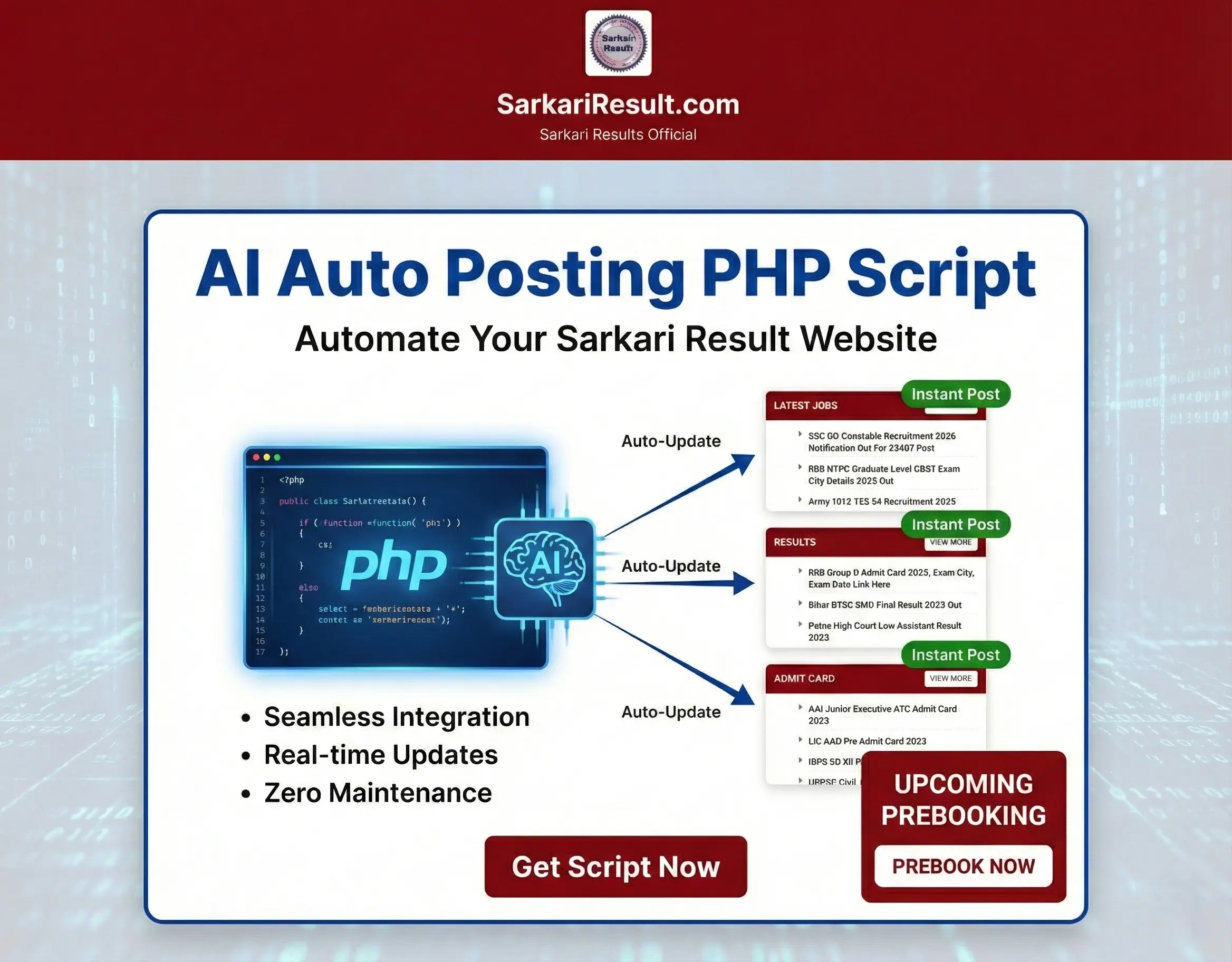
AI Job Posting PHP Script for Sarkari Result Website promo graphic with upcoming prebooking option

πŸ“Œ What Is the Sarkari Job PHP Script?

The Sarkari Job PHP Script is a specialized web application designed to manage and publish Indian government job listings. It supports AI job posting and manual entry, making it ideal for bloggers, job portal owners, and developers in India.

Target Audience:


Job board website owners

Freelancers and developers

SEO-focused marketers

Students looking for the latest Sarkari jobs

System Requirements


βœ… Which System & PHP Version Needed for License Activation on Any Hosting?


Your current activation code:


βœ… Uses PHP sessions

βœ… Uses MySQLi

βœ… Uses file_get_contents() for license validations

βœ… Uses HTTPS license API

βœ… Requires allow_url_fopen = ON

So your hosting environment must support these.

βœ… 3. Required PHP Extensions

You need the following PHP modules:

βœ… OpenSSL (HTTPS requests)

βœ… json (decode JSON result)

βœ… mysqli (your DB insert query)

βœ… session (sessions)

So DB must support:

βœ… MySQL 5.7 or higher

βœ… MariaDB 10+

Must support:

βœ… PHP 8+

βœ… SSL Enabled

βœ… Query string validation

βœ… JSON response

βœ… CORS not required (server-to-server only)

Better (Recommended) Version Using cURL

To avoid hosting blocks, use cURL, which works everywhere:

βœ… 100% success rate

βœ… Works on all hostings

βœ… Avoids allow_url_fopen issues

Installation Instructions

βš™οΈ Installation Guide (With Hosting Suggestions)

  1. Create a database via your cPanel.
  2. Upload the script to your public_html.
  3. Extract the zip and visit yourdomain.com/install.
  4. Follow the steps to complete setup.
Recommended Hosting:

✏️ How to Add Manual Job Posts

  1. Login to Admin Panel
  2. Click β€œAdd Post”
  3. Enter title, date, description, application link
  4. Select a category and publish

πŸ–₯️ Full Admin Panel Overview

Feature Function
Dashboard View stats & latest posts
Add Post Create manual job posts
Add Category Organize job types
Add Pages For About, Contact etc.
Adsense Code Monetization control
Slidebar Post New highlight area
Settings Meta, layout, license
Ramesh Ramesh Verified buyer 29 Jun 2026
Best Support Bhi, BUT NEED MORE UPDATE THIS SCRIPT.
Admin reply:
Thank you so much, Ramesh Ramesh! We’re thrilled to hear you had a great experience with WPCodeQuill. Your support motivates us to keep delivering the best WordPress plugins, Themes, PHP Scripts and services. If you ever need assistance or have suggestions, we’re always here to help.
Please login to submit a review.
Need Help?

Our dedicated support team is available 24/7 to assist you.

Contact Support

1,000+

Happy Customers

100%

Safe & Secure Checkout

100%

Secure Product

24/7

Dedicated Support

Trusted by WordPress Professionals
and Site Owners Worldwide