 INR
INR  USD
USD 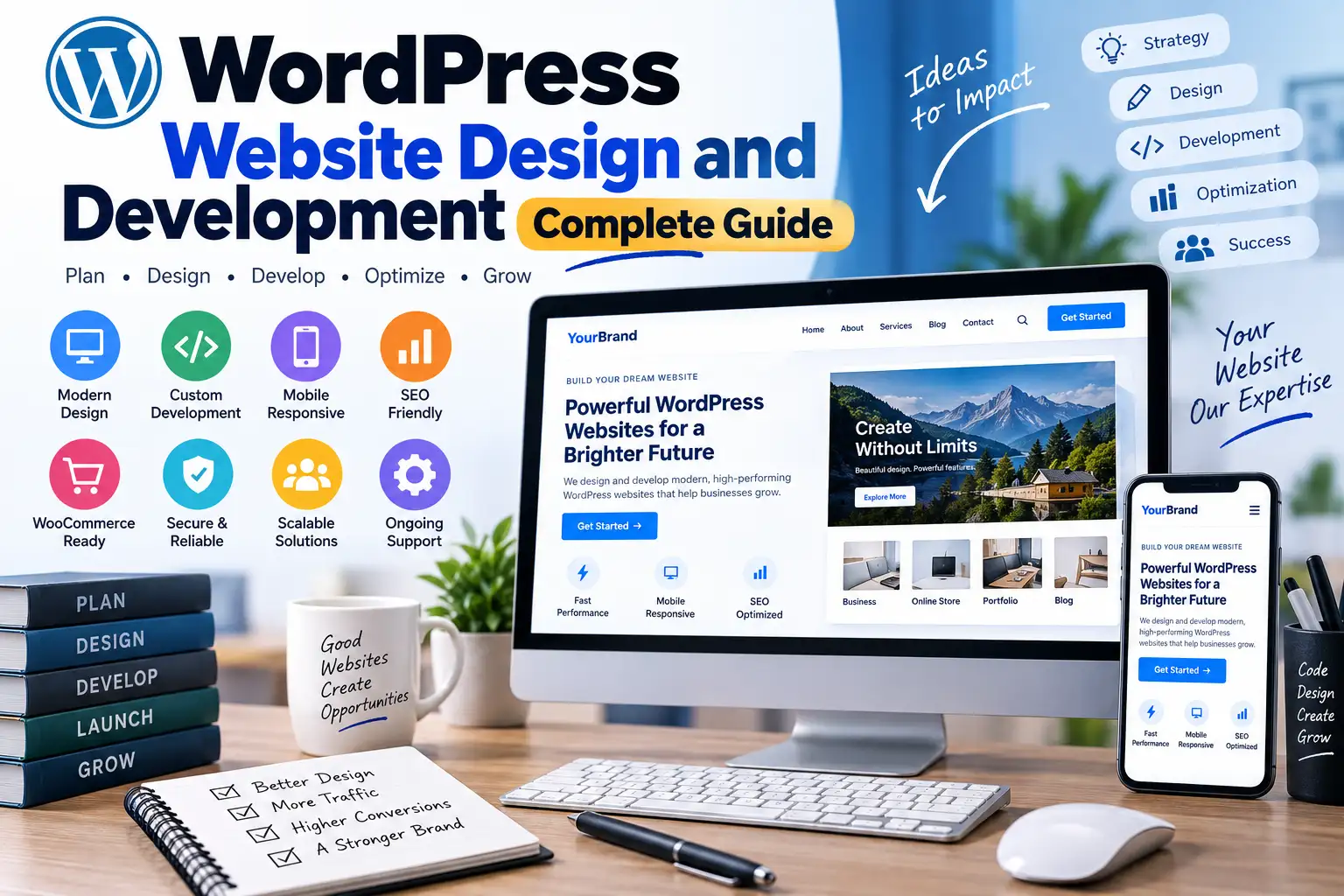
WordPress Website Design and Development: Complete Guide
A successful website is more than an attractive homepage. It needs a clear purpose, intuitive navigation, useful content, responsive layouts, reliable functionality, good performance, accessibility, security, and an experience that helps visitors accomplish what they came to do.
That is why WordPress website design and development should be treated as a complete process rather than simply choosing a theme and adding a logo. Design determines how visitors experience the website, while development turns that design into a functional, maintainable, and scalable WordPress implementation.
For a small business, blog, portfolio, online store, agency, membership platform, or content website, the right approach can make the difference between a website that merely exists and one that actually supports business goals.
A professional web design and development agency will normally look beyond colors and animations. The team should understand information architecture, responsive design, WordPress themes, plugins, content management, technical SEO, performance, accessibility, security, analytics, and ongoing maintenance.
This guide explains the complete process, from planning and wireframing to WordPress development, optimization, SEO, testing, and long-term maintenance.

What Is WordPress Website Design and Development?
WordPress website design focuses primarily on how a website looks, feels, and behaves from the visitor's perspective. It includes layout, typography, colors, spacing, navigation, imagery, calls to action, responsive behavior, and user experience.
WordPress development focuses on the technical implementation behind that experience. This can include theme development, plugin integration, custom PHP, JavaScript, CSS, database functionality, APIs, forms, authentication, WooCommerce functionality, and performance optimization.
WordPress itself separates presentation from much of the underlying content management functionality. Its official Theme Handbook explains that themes control how WordPress content is presented, while themes can be implemented as block themes or classic themes. The official WordPress Theme Developer Handbook provides detailed guidance for both approaches.
| Area | Primary Focus | Typical Tasks |
|---|---|---|
| Strategy | Business goals | Audience research, objectives, content planning |
| UX Design | User experience | Navigation, wireframes, page journeys |
| UI Design | Visual interface | Colors, typography, components, layouts |
| WordPress Development | Functionality | Themes, plugins, templates, integrations |
| SEO | Search visibility | Architecture, metadata, internal linking, technical SEO |
| Performance | Speed and responsiveness | Images, CSS, JavaScript, caching, hosting |
| Security | Risk reduction | Updates, permissions, authentication, backups |
| Maintenance | Long-term reliability | Updates, monitoring, fixes, improvements |
Why Good Website Design Matters
Visitors usually form an opinion about a website very quickly. A cluttered interface, confusing navigation, poor typography, broken mobile layout, or unclear call to action can make even excellent content difficult to use.
Good design removes unnecessary friction.
For example, imagine a service business whose main goal is generating enquiries. The website should make it obvious:
- What the company does.
- Who the service is for.
- Why visitors should trust the business.
- What makes the company different.
- How much information is needed before contacting the business.
- How to request a quote or consultation.
For an online store, the priorities change. Product discovery, filtering, product information, pricing, trust signals, checkout usability, and payment functionality become much more important.
For a blog or publishing website, readability, category structure, search, related content, author information, internal linking, and content discovery may matter more.
Therefore, there is no universal "perfect" WordPress design. The correct design depends on the site's purpose and audience.
WordPress Website Design vs. WordPress Development

These two disciplines overlap, but they are not identical.
WordPress Website Design
Design answers questions such as:
- Where should the navigation appear?
- How should the homepage be organized?
- Which information deserves visual priority?
- What typography is easiest to read?
- How should buttons look?
- What should the mobile version look like?
- How can visitors find important information quickly?
WordPress Development
Development answers different questions:
- How should the theme be structured?
- Which functionality belongs in a plugin?
- How should custom fields be stored?
- How should external APIs connect to WordPress?
- How should JavaScript and CSS assets be loaded?
- How should forms process data?
- How should the website handle authentication and permissions?
- How can the implementation remain maintainable after launch?
WordPress documentation covers important development concepts including theme structure, style.css, functions.php, templates, assets, and theme.json. The WordPress Theme Core Concepts documentation is a useful technical reference for developers.
What Does a Web Design and Development Agency Do?
A web design and development agency typically manages several parts of the website lifecycle instead of focusing only on visual design.
The exact services vary between agencies, but a comprehensive project can include:
- Website strategy
- UX research
- Wireframing
- UI design
- WordPress setup
- Custom theme development
- Plugin development
- WooCommerce development
- Third-party integrations
- Technical SEO
- Performance optimization
- Accessibility improvements
- Security configuration
- Website migration
- Analytics setup
- Ongoing maintenance
For example, WPCodeQuill currently offers services covering full website packages, custom WordPress themes, custom plugins, PHP development, website migration, website problem fixes, and other website-related solutions. You can explore WPCodeQuill's WordPress and web development services to see how these services can be combined for different project requirements.
Step-by-Step WordPress Website Design and Development Process
Step 1: Define the Website's Purpose
Before selecting a theme, plugin, color palette, or hosting plan, define what the website needs to accomplish.
A useful project brief should answer:
- Who is the target audience?
- What problem does the website solve?
- What action should visitors take?
- What content will be published?
- What functionality is essential?
- How will success be measured?
A business website may prioritize enquiries. An ecommerce site may prioritize completed purchases. A publication may prioritize content discovery and returning readers.
These objectives should influence the entire design.
Step 2: Plan the Information Architecture
Information architecture determines how content is organized.
A simple business website might use:
- Home
- About
- Services
- Portfolio
- Blog
- Contact
A larger website may require categories, subcategories, landing pages, resource hubs, author pages, product archives, account areas, and search functionality.
Keep the structure understandable. Visitors should not need to guess where important information is located.
Step 3: Create Wireframes
A wireframe is a simplified representation of a page before the final visual design is applied.
Wireframes help answer structural questions early. You can determine where the navigation, hero section, content blocks, forms, testimonials, products, and calls to action belong before spending time polishing colors and graphics.
This reduces expensive redesign work later in the process.
Step 4: Design the Visual System
Once the structure is clear, establish the visual identity.
A useful design system can define:
- Primary and secondary colors.
- Heading and body fonts.
- Button styles.
- Border-radius rules.
- Spacing scale.
- Card styles.
- Form controls.
- Icon treatment.
- Image proportions.
Consistency is more important than using dozens of visual effects.
Step 5: Choose the WordPress Architecture
At this stage, developers determine whether the project should use an existing theme, a child theme, a custom theme, plugins, custom blocks, or a combination of these approaches.
WordPress currently supports both block themes and classic themes. The official documentation explains that block themes are primarily built around blocks and the Site Editor, while classic themes traditionally use PHP, JavaScript, and CSS.
For a heavily customized project, architecture should be chosen based on maintainability rather than simply selecting whichever theme has the most demo features.
Step 6: Build the Website
Development turns the approved design into a functioning website.
This may involve:
- Installing WordPress.
- Configuring the database and hosting environment.
- Installing the selected theme.
- Creating templates.
- Building reusable components.
- Configuring plugins.
- Creating custom functionality.
- Connecting APIs.
- Setting up forms.
- Configuring ecommerce.
- Adding analytics and search tools.
If you are starting from a fresh WordPress installation, our step-by-step WordPress installation guide provides additional technical guidance for the initial setup process.
Step 7: Add Real Content
Design should be tested using real content rather than placeholder text.
Real headlines can be longer or shorter than demo text. Real product images may have different dimensions. Actual customer questions may require larger FAQ sections. Real blog posts may contain tables, lists, images, videos, or embedded content.
Testing with real material exposes design problems that placeholder content often hides.
Step 8: Optimize for Mobile
Responsive design should not mean simply shrinking a desktop page.
Mobile layouts often need different spacing, navigation behavior, image dimensions, content ordering, and button sizes.
Test:
- Mobile navigation.
- Text readability.
- Buttons and touch targets.
- Forms.
- Tables.
- Images.
- Popups.
- Sticky elements.
- Checkout screens.
- Search functionality.
Google's developer guidance recommends that websites be secure, fast, accessible, and usable across devices when optimizing for Search.
SEO-Friendly WordPress Website Design
SEO should be considered during design and development rather than added after the website is finished.
Google's SEO Starter Guide explains that SEO helps search engines understand content and helps users discover pages through search.
A strong WordPress SEO foundation includes:
- Logical site architecture.
- Descriptive URLs.
- Useful page titles.
- Clear headings.
- Descriptive image alt text where appropriate.
- Internal linking.
- Canonical URLs where needed.
- XML sitemaps.
- Mobile-friendly pages.
- Fast and stable rendering.
- Useful original content.
Do not make the common mistake of treating a plugin as the entire SEO strategy. An SEO plugin can help manage technical elements, but it cannot compensate for weak information architecture or unhelpful content.
Website Performance and Core Web Vitals
Performance is part of good website design because visitors experience speed directly.
A visually impressive website that takes too long to become usable can create frustration. Large hero images, unnecessary JavaScript, excessive animation, third-party scripts, poorly configured plugins, and inefficient hosting can all contribute to performance problems.
Google's Web Vitals initiative provides guidance for measuring important aspects of user experience, including the Core Web Vitals. The Web Vitals documentation explains how these metrics help site owners evaluate web experience.
Practical WordPress Performance Improvements
- Compress and resize images.
- Use appropriate modern image formats.
- Load scripts only where they are required.
- Remove unnecessary plugins.
- Use caching appropriately.
- Choose suitable hosting.
- Reduce excessive third-party resources.
- Avoid unnecessary animations.
- Optimize database-heavy functionality.
- Monitor real pages rather than testing only the homepage.
Performance optimization should be evidence-based. Measure the website before and after changes instead of assuming that a particular plugin or technique will automatically make the site faster.
Accessibility Should Be Part of the Design
An accessible website is easier to use for a wider range of visitors.
Accessibility includes considerations such as keyboard navigation, readable contrast, meaningful labels, alternative text, semantic structure, focus states, form accessibility, and compatibility with assistive technologies.
The W3C Web Content Accessibility Guidelines provide an internationally recognized technical framework for making web content more accessible.
For WordPress designers and developers, accessibility should be considered from the beginning rather than treated as a final checklist.
Simple Accessibility Improvements
- Use meaningful heading levels.
- Maintain sufficient color contrast.
- Do not communicate important information using color alone.
- Provide labels for form fields.
- Make interactive elements keyboard accessible.
- Use descriptive link text.
- Provide appropriate alternative text for meaningful images.
- Ensure visible focus states.
- Avoid autoplaying media where possible.
Custom Theme vs. Pre-Built WordPress Theme
| Factor | Pre-Built Theme | Custom Theme |
|---|---|---|
| Initial development | Usually faster | Usually longer |
| Customization | Depends on theme | Very high |
| Starting cost | Often lower | Usually higher |
| Design control | Theme-dependent | Full control |
| Maintenance | Depends on vendor | Developer-dependent |
| Best for | Fast launches and common requirements | Unique or complex requirements |
A pre-built theme is not automatically inferior. A well-maintained theme can provide a practical foundation for a business that needs to launch quickly.
A custom theme becomes more attractive when the website has unusual requirements, a strong existing design system, specialized functionality, or strict control over the front-end architecture.
When Should You Use a Child Theme?
If you are modifying an existing WordPress theme, a child theme can provide a safer structure for customizations that need to survive parent-theme updates.
Our WordPress child theme guide explains the concept and implementation in detail.
The official WordPress documentation also covers child themes as part of its theme-development guidance.
A child theme is particularly useful when you need to customize templates, styling, or theme behavior without directly modifying the parent theme files.
Security in WordPress Website Development
Security should be considered part of development rather than something installed after a website has been hacked.
Basic security practices include:
- Keep WordPress updated.
- Keep themes and plugins updated.
- Use strong administrator passwords.
- Use appropriate user roles.
- Enable multi-factor authentication where practical.
- Use HTTPS.
- Maintain reliable backups.
- Remove unused themes and plugins.
- Review third-party code before installation.
- Monitor suspicious activity.
Custom functionality should also follow secure development practices. Developers need to validate input, sanitize data appropriately, escape output, use WordPress APIs correctly, and enforce permissions for administrative actions.
How to Choose a Web Design and Development Agency
If you are hiring a web design and development agency, do not evaluate candidates purely by their portfolio screenshots.
A beautiful homepage does not necessarily indicate strong development practices.
Ask About Their Process
A professional team should be able to explain how it approaches discovery, design, development, testing, launch, and maintenance.
Ask About WordPress Experience
Find out whether the team works with custom themes, plugins, WooCommerce, APIs, performance optimization, migrations, and WordPress security.
Ask About Performance
Ask how the agency approaches Core Web Vitals, image optimization, JavaScript, CSS, caching, hosting, and third-party scripts.
Ask About Ownership
Clarify who owns the domain, hosting account, WordPress installation, source code, licenses, analytics accounts, and design files.
Ask About Maintenance
A website is not finished forever when it launches. WordPress core, plugins, themes, browsers, PHP versions, APIs, and security requirements change.
Ask whether the agency offers maintenance, backups, updates, monitoring, troubleshooting, and development support.
Website Design Features That Improve User Experience
Good UX does not require a complicated interface.
Some of the most useful design decisions are simple:
- Clear navigation.
- Readable typography.
- Consistent spacing.
- Obvious calls to action.
- Logical content hierarchy.
- Fast-loading images.
- Search where users need it.
- Helpful error messages.
- Simple forms.
- Clear contact information.
For ecommerce websites, make product information easy to compare. For service websites, explain outcomes and provide evidence. For blogs, improve content discovery. For SaaS websites, make the product's value understandable before asking visitors to register.
Common WordPress Website Design Mistakes
1. Designing Before Understanding the Business
A beautiful layout cannot compensate for an unclear business proposition.
2. Choosing a Theme Based Only on the Demo
Demo websites use carefully selected images and content. Always evaluate the underlying features, code quality, update history, documentation, compatibility, and actual requirements.
3. Installing Too Many Plugins
Plugins can add powerful functionality, but unnecessary plugins increase maintenance and compatibility considerations.
4. Ignoring Mobile Users
A website should be designed and tested for smaller screens from the beginning.
5. Overloading the Homepage
Trying to show every service, product, article, testimonial, popup, banner, and promotion at once creates visual competition.
6. Using Too Many Fonts and Colors
A consistent design system usually looks more professional than a collection of unrelated visual styles.
7. Ignoring Accessibility
Accessibility problems can prevent people from using important parts of the website.
8. Treating SEO as an Afterthought
Changing URL structures, navigation, templates, and content architecture after launch can create unnecessary SEO and migration problems.
9. Editing the Parent Theme Directly
Direct modifications can be overwritten during updates. Consider a child theme or another update-safe customization approach when appropriate.
10. Launching Without Testing
Test forms, menus, links, search, login, checkout, emails, redirects, responsive layouts, analytics, and important conversion paths before announcing the new website.
WordPress Website Launch Checklist
- Confirm the domain and HTTPS configuration.
- Test the website on mobile, tablet, and desktop.
- Check navigation and important links.
- Review page titles and descriptions.
- Check heading hierarchy.
- Optimize important images.
- Verify forms and email delivery.
- Test ecommerce checkout if applicable.
- Check redirects and 404 pages.
- Connect analytics and Search Console where appropriate.
- Generate or verify the XML sitemap.
- Review robots directives.
- Check indexing settings.
- Run performance tests.
- Perform accessibility checks.
- Create a complete backup.
- Remove unnecessary plugins and themes.
- Verify administrator accounts and permissions.
- Document hosting, licenses, integrations, and recovery procedures.
How Much Does WordPress Website Design and Development Cost?
There is no single price for a WordPress website because the scope can vary dramatically.
A basic informational website may require only a few pages and standard functionality. A larger project may require custom UX design, ecommerce, memberships, dashboards, API integrations, advanced search, custom plugins, or a bespoke theme.
Instead of comparing agencies purely by the initial price, compare the scope of work.
| Project Type | Typical Complexity | Main Considerations |
|---|---|---|
| Personal Blog | Low | Theme, content, basic SEO |
| Business Website | Low to Medium | Branding, lead generation, services |
| Professional Portfolio | Medium | Visual design, projects, galleries |
| WooCommerce Store | Medium to High | Products, checkout, payments, performance |
| Membership Platform | High | Accounts, permissions, subscriptions, content access |
| Custom Web Application | High | Custom database logic, APIs, dashboards |
A professional quote should clearly explain deliverables rather than simply presenting a number.
How WPCodeQuill Fits Into WordPress Development
WPCodeQuill describes itself as a marketplace and development-focused platform providing WordPress plugins, themes, WooCommerce extensions, PHP scripts, and web development services. Its current service offering includes custom themes, custom plugins, full website packages, migrations, and website troubleshooting.
The platform also publishes WordPress development resources covering subjects such as WordPress installation, child themes, website creation, plugins, themes, SEO, and performance.
For businesses that need something beyond an off-the-shelf theme, the WPCodeQuill custom web development services page is a useful starting point for exploring available solutions.
Frequently Asked Questions
What is WordPress website design and development?
WordPress website design covers the visual interface and user experience, while development implements the design and functionality using WordPress themes, plugins, PHP, JavaScript, CSS, APIs, and related technologies.
Is WordPress good for professional business websites?
Yes. WordPress can support everything from simple business websites to complex publishing, ecommerce, membership, and custom web projects. The result depends heavily on the chosen architecture, implementation quality, content, hosting, and maintenance.
Should I hire a web design and development agency?
An agency can be useful when the project requires custom UX, branding, development, integrations, ecommerce, performance optimization, or ongoing technical support. A simple website with standard requirements may not require the same level of professional involvement.
Is custom WordPress development better than using a theme?
Not automatically. A well-maintained existing theme can be an efficient solution for standard requirements. Custom development becomes more valuable when the project needs unique functionality, specialized design, or tighter control over the technical architecture.
Does WordPress website design affect SEO?
Yes. Design and development influence navigation, page structure, mobile usability, performance, internal linking, accessibility, and how content is presented. These factors can influence how easily users and search engines interact with the site.
How important is mobile-friendly design?
It is essential. Visitors access websites from many different screen sizes, so navigation, typography, forms, buttons, images, and content layouts should be tested across mobile and desktop experiences.
How can I make a WordPress website faster?
Start by measuring the current site. Then optimize images, reduce unnecessary plugins and third-party scripts, improve caching, optimize CSS and JavaScript, review hosting, and remove functionality that provides little value.
Should SEO be done before or after website development?
SEO should begin during planning and continue throughout development. Information architecture, URLs, templates, internal linking, performance, mobile usability, and structured content are easier to implement correctly when SEO is considered from the beginning.
Conclusion
WordPress website design and development is most successful when design, technology, content, SEO, performance, accessibility, and business objectives are treated as parts of one system.
A professional website does not need to be overloaded with animations or complicated features. It needs to make the right information easy to find, provide a consistent experience across devices, load efficiently, protect users, and give visitors a clear next step.
Whether you are building a company website, ecommerce store, blog, portfolio, membership platform, or custom WordPress application, start with the purpose of the website rather than the theme. Define the audience, plan the information architecture, create a useful design system, choose the right WordPress architecture, develop carefully, optimize for search and performance, test thoroughly, and maintain the site after launch.
If the project requires custom functionality or professional implementation, working with an experienced web design and development agency can reduce technical uncertainty and provide a structured path from initial concept to launch and ongoing maintenance.
Ultimately, the best WordPress website is not the one with the most features. It is the one that solves the right problem for its users while remaining fast, accessible, secure, maintainable, and easy to grow.



Discussion (0)
Join the Conversation
Please log in to post a comment.
Log In to Comment