
 INR
INR  USD
USD 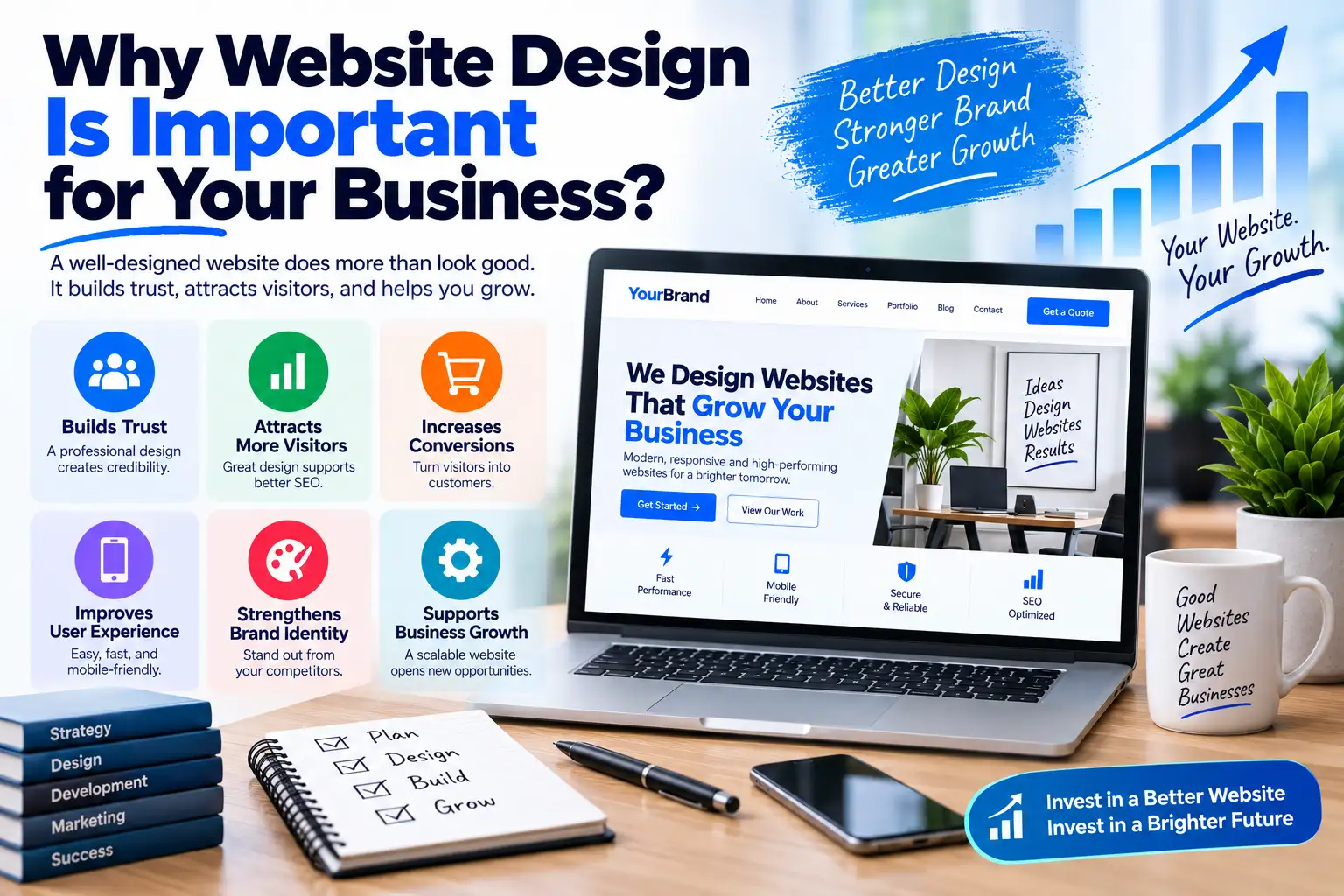
Why Website Design Is Important for Business Growth
Your website is often one of the first places people go when they want to learn about your business, compare options, evaluate a product, or decide whether they should contact you. That makes website design much more important than choosing attractive colors or adding impressive animations.
Understanding why website design is important starts with a simple idea: your website should make it easy for the right people to understand your business and take the next appropriate action.
A well-designed website can communicate credibility, organize information, simplify navigation, support search visibility, improve mobile usability, strengthen your brand, and reduce friction during the buying process. A poorly designed website can create the opposite effect, even when the underlying product or service is excellent.
This is particularly important for small businesses and organizations that cannot rely on brand recognition alone. When visitors do not already know your company, your website has to answer their questions quickly and provide enough evidence for them to continue.
This guide explains the business value of professional website design, what makes a website effective, how WordPress can be used to create a strong website without unnecessary complexity, and how to choose between an affordable WordPress website design approach and a more customized solution.
Why Website Design Is Important
Website design is important because it affects how visitors experience your business online.
Before a customer speaks to your sales team, sends an enquiry, downloads a resource, or purchases a product, they may interact with several parts of your website. The homepage, navigation, service pages, product pages, forms, blog, pricing page, and checkout all contribute to the overall experience.
Good design helps these parts work together.
For example, a professional service website should make it easy to understand:
- What the business does.
- Who the business serves.
- What problems it solves.
- Why visitors should consider it.
- What services are available.
- How the process works.
- How to contact the company.
An ecommerce website has different priorities. It needs product discovery, useful product information, pricing, availability, reviews where appropriate, shipping information, returns information, and a straightforward purchasing process.
A blog or publishing website needs excellent readability, category organization, search, related content, author information, and an effective content-discovery experience.
Therefore, the best website design is not one particular visual style. The best design is the one that fits the audience, purpose, content, and business model.
1. Website Design Creates the First Impression
A website gives visitors an immediate impression of the organization behind it.
An outdated layout, inconsistent typography, broken navigation, low-quality images, or confusing page structure can make a business appear less professional than it actually is.
The opposite is also true. A clean interface, consistent branding, useful content, clear navigation, and professional presentation can make the business easier to understand and evaluate.
This does not mean you need an expensive visual design. A simple website can look highly professional when its layout is intentional and its content is organized well.
What Creates a Professional Impression?
- Consistent colors and typography.
- Clear visual hierarchy.
- High-quality, relevant imagery.
- Readable content.
- Logical navigation.
- Consistent spacing.
- Clear calls to action.
- Working links and forms.
- Responsive mobile layouts.
- Transparent business information.
The important point is consistency. Your logo, colors, buttons, headings, images, forms, and content should feel like parts of the same website rather than unrelated components assembled together.
2. Good Design Builds Customer Trust
Trust is particularly important when visitors are considering spending money or submitting personal information.
People naturally ask questions before taking action:
- Is this business legitimate?
- Can I trust the information?
- Will the company provide what it promises?
- Can I contact someone if there is a problem?
- What happens if I need a refund?
- Are the reviews genuine?
- Is my payment information protected?
Good website design makes trustworthy information easier to find.
Useful trust elements can include genuine customer testimonials, case studies, business information, clear contact details, privacy information, refund policies, product specifications, author information, and secure payment options where relevant.
Do not use fake trust signals. A professional website should support its claims with real evidence rather than relying on exaggerated badges, fabricated statistics, or invented customer reviews.
3. Website Design Improves User Experience
User experience, commonly called UX, describes how easily and comfortably visitors can interact with your website.
A website can contain excellent information but still provide a poor experience if visitors cannot find it.
Good UX considers questions such as:
- Can visitors find the main navigation?
- Can they understand the page without reading everything?
- Can they find important information quickly?
- Are buttons easy to identify?
- Are forms simple to complete?
- Does the website work on mobile devices?
- Can visitors recover easily from mistakes?
For example, an online store with thousands of products needs a different UX strategy from a five-page local business website. Product filtering and search may be essential for the store but unnecessary for a small consultancy.
Design should therefore begin with user needs instead of visual trends.
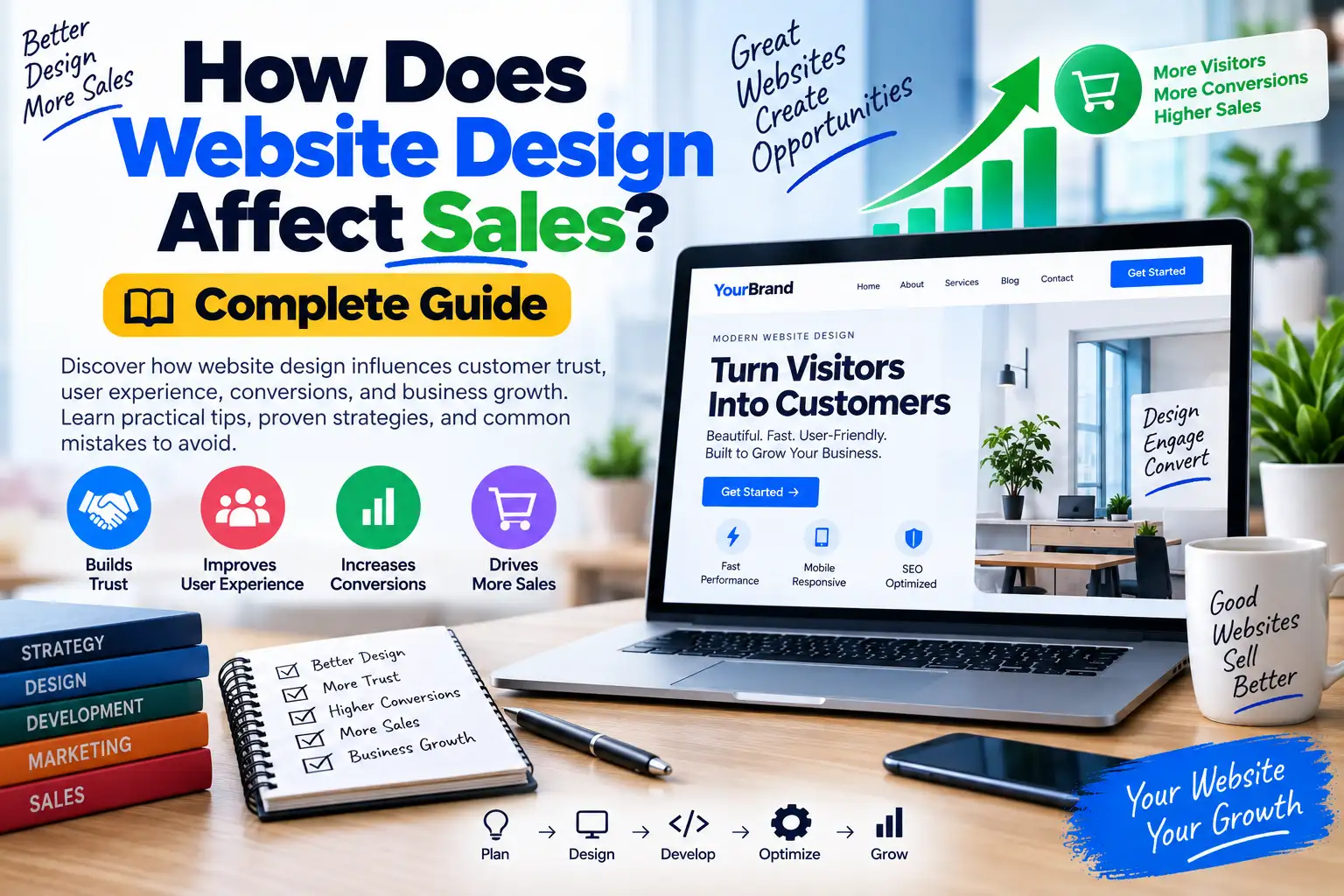
4. Website Design Can Support More Sales and Leads

One of the biggest reasons businesses invest in design is commercial performance.
A website is often part of the sales funnel. Someone may discover your company through search, social media, advertising, email, a referral, or another website. The website then needs to move that visitor toward an appropriate next step.
That action could be:
- Buying a product.
- Requesting a quote.
- Booking a consultation.
- Calling the business.
- Starting a free trial.
- Submitting a lead form.
- Creating an account.
- Downloading a resource.
Good design reduces unnecessary friction between the visitor and that action.
Design Elements That Can Support Conversions
- Clear value propositions.
- Relevant calls to action.
- Simple forms.
- Useful product information.
- Visible pricing where appropriate.
- Customer proof.
- Easy navigation.
- Mobile-friendly layouts.
- Fast-loading pages.
- Clear checkout processes.
Design alone cannot guarantee higher sales. Pricing, product quality, market demand, competition, customer service, traffic sources, and marketing also matter. However, poor design can create avoidable barriers between interested visitors and the business.
5. Mobile-Friendly Design Is Essential
People browse websites on smartphones, tablets, laptops, and desktop computers. A website should therefore adapt to different screen sizes and input methods.
A mobile-friendly design should make it easy to:
- Read the main content.
- Open the navigation menu.
- Tap buttons.
- Complete forms.
- View images.
- Search for information.
- Compare products.
- Complete purchases.
Responsive design is not simply about shrinking a desktop layout. Mobile users may need different spacing, content order, navigation behavior, and interaction patterns.
Before launch, test the website on multiple screen sizes rather than assuming that a responsive framework has solved every usability issue.
6. Website Performance Is Part of Good Design
A website that looks excellent but takes too long to become usable is not providing an excellent user experience.
Performance should therefore be considered during the design and development process.
Common performance problems include:
- Very large images.
- Too many third-party scripts.
- Unnecessary animations.
- Excessive plugins.
- Heavy JavaScript.
- Unoptimized fonts.
- Poor caching configuration.
- Inadequate hosting resources.
Google's Web Vitals documentation provides a user-focused framework for evaluating loading performance, responsiveness, and visual stability. The official Web Vitals guidance is a useful reference when evaluating website performance.
For WordPress websites, hosting is also part of the technical foundation. If you are comparing infrastructure options, you can review WPCodeQuill's WordPress hosting guide as a starting point for evaluating different hosting environments.
Remember that hosting is only one part of performance. A powerful server cannot completely compensate for oversized images, excessive scripts, inefficient plugins, or poorly implemented functionality.
7. Website Design Helps People Find Information
Visitors rarely read every word on a webpage. They scan headings, lists, images, buttons, navigation elements, and highlighted information to decide where to focus.
This makes visual hierarchy important.
A good page should make it obvious:
- What the page is about.
- Which information is most important.
- Where supporting information is located.
- What action visitors can take next.
Use headings to organize sections, short paragraphs to improve readability, and lists when information is easier to scan as individual points.
Do not make every element visually loud. If everything is emphasized, nothing feels important.
8. Good Design Strengthens Your Brand
Your website is an important part of your brand identity.
Branding includes more than a logo. It includes the visual and verbal patterns that make the company recognizable.
A website's brand system can include:
- Logo treatment.
- Color palette.
- Typography.
- Photography style.
- Illustration style.
- Button design.
- Iconography.
- Writing tone.
- Page layouts.
Consistency helps visitors recognize that different pages belong to the same business.
For example, a company should not use one visual identity on its homepage, a completely different design on its blog, and another style on its checkout page without a clear reason.
9. Website Design Supports SEO
SEO is not simply about adding keywords to pages. Website architecture, navigation, content organization, mobile usability, internal links, performance, and accessibility can all contribute to a better overall search experience.
Google's SEO Starter Guide explains fundamental practices for helping search engines understand and discover website content.
A search-friendly WordPress design should generally include:
- Logical navigation.
- Descriptive URLs.
- Useful page titles.
- Clear heading structure.
- Descriptive internal links.
- Accessible content.
- Mobile-friendly layouts.
- Fast and stable pages.
- Useful original content.
The goal should not be to create a website for search engines first. Build it for people and make the content understandable to search engines as a consequence of good structure.
10. Why Website Design Is Important for Small Businesses
Small businesses often have fewer opportunities to establish trust than large, recognizable brands.
A visitor may encounter your company for the first time through a Google search or recommendation. Your website then has to communicate credibility without assuming that the visitor already knows who you are.
A small business website should make important information easy to discover:
- What you sell.
- Where you operate.
- Who you serve.
- How customers can contact you.
- What makes your business different.
- What customers can expect.
- How much your services or products cost, where appropriate.
Professional design does not necessarily mean expensive design. It means making deliberate decisions about information, layout, usability, and presentation.
11. Affordable WordPress Website Design: Is It Possible?

Affordable WordPress website design is possible when the project's requirements are clearly defined and unnecessary complexity is avoided.
WordPress gives businesses several ways to control development costs. You can start with a well-supported theme, use established plugins for common functionality, create content yourself, and add custom development only where it provides genuine value.
However, "cheap" and "affordable" are not always the same thing.
A very cheap website can become expensive if it requires repeated fixes, contains unnecessary plugins, uses poor-quality code, performs badly, or becomes difficult to maintain.
A better approach is to optimize for total value.
| Approach | Best For | Potential Advantage | Potential Limitation |
|---|---|---|---|
| DIY WordPress | Simple projects | Low initial cost | Requires your own time |
| Premium Theme | Fast business launches | Pre-built design system | Customization limits vary |
| Custom Theme | Unique requirements | Greater design control | Higher development effort |
| Agency Development | Complex projects | Strategy and technical expertise | Higher project cost |
If you want to explore professionally built WordPress themes, the WPCodeQuill WordPress themes collection provides one place to compare available theme options.
12. Choosing the Best Website Design for Your Business
There is no single design that deserves the title of "best" for every website.
The right choice depends on your business model, audience, content, budget, technical requirements, and long-term goals.
For a Service Business
Prioritize clarity, trust, service explanations, case studies, testimonials, FAQs, contact options, and lead-generation calls to action.
For an Ecommerce Store
Prioritize product discovery, search, filters, product information, reviews, shipping information, returns, cart usability, and checkout.
For a Blog
Prioritize readability, content organization, categories, search, related posts, author information, and internal linking.
For a Portfolio
Prioritize visual presentation, project case studies, clear descriptions of your role, results, and contact opportunities.
For a SaaS Website
Prioritize product explanation, feature hierarchy, use cases, pricing, demonstrations, onboarding, and conversion paths.
The "best" design is the one that supports the visitor's actual task.
13. WordPress Themes and Plugins Should Support the Design
WordPress themes control much of the visual presentation, while plugins can add functionality such as ecommerce, forms, memberships, SEO tools, caching, security, analytics integrations, and other features.
The key is not to install as many features as possible.
Every additional component should have a reason to exist.
For example, if you need specialized WordPress functionality, browsing a focused WordPress plugin collection can help you evaluate available solutions before building custom functionality from scratch.
Before installing any plugin, consider:
- Does the website actually need it?
- Is it maintained?
- Does it conflict with existing tools?
- Does it add unnecessary front-end resources?
- Does it handle data appropriately?
- Does it provide documentation?
- Can the same requirement be solved more simply?
14. Professional Website Design vs. DIY Website Design
DIY website creation can be an excellent option for simple projects, especially when the owner is comfortable learning WordPress.
Professional development becomes more valuable when the project has significant commercial or technical requirements.
| Requirement | DIY May Be Suitable | Professional Help May Be Better |
|---|---|---|
| Personal blog | Yes | Optional |
| Small brochure website | Often | Useful for custom branding |
| Lead generation | Possible | Useful for conversion optimization |
| Online store | Possible | Recommended for complex stores |
| Membership site | More difficult | Often worthwhile |
| Custom web application | Usually difficult | Strongly recommended |
The decision should be based on complexity and expected value rather than the assumption that every business needs an agency.
15. When You Should Consider Professional Website Services
Professional help can be useful when you need a website that goes beyond basic pages and standard templates.
Consider working with a professional developer or agency when you need:
- Custom WordPress theme development.
- Custom plugin development.
- WooCommerce customization.
- Third-party API integrations.
- Website migrations.
- Performance optimization.
- Complex membership systems.
- Custom dashboards.
- Advanced forms.
- Technical troubleshooting.
- Ongoing maintenance.
If these requirements apply to your project, you can review WPCodeQuill's WordPress and website development services to see the types of customization and development work available.
16. Website Accessibility Is Part of Good Design
A website should be usable by as many people as reasonably possible, including people who use keyboards, screen readers, magnification, or other assistive technologies.
Accessibility practices can also make websites easier for everyone to use.
Important considerations include:
- Readable text.
- Sufficient color contrast.
- Keyboard-accessible controls.
- Clear form labels.
- Visible focus states.
- Logical headings.
- Descriptive links.
- Meaningful alternative text for relevant images.
- Predictable navigation.
The W3C Web Content Accessibility Guidelines provide a widely recognized framework for web accessibility.
Accessibility should be incorporated into the design process rather than treated as an optional final-stage adjustment.
17. How to Create an Effective WordPress Website Step by Step
Step 1: Define Your Goal
Decide what the website must accomplish. Is it intended to generate leads, sell products, publish content, promote a service, build an audience, or provide an online application?
Step 2: Understand Your Audience
Identify who will use the website and what questions they need answered.
Step 3: Plan Your Pages
Create a simple sitemap before building. Decide which pages are essential and how they relate to one another.
Step 4: Create a Content Plan
Write the core content before finalizing the layout. Real content exposes problems that placeholder text hides.
Step 5: Choose the Design Direction
Select typography, colors, imagery, components, spacing, and page layouts that match your brand and audience.
Step 6: Choose the WordPress Architecture
Decide whether you need a standard theme, child theme, block theme, custom theme, plugins, or custom development.
Step 7: Build and Configure
Implement the design, configure WordPress, install only necessary plugins, and create reusable components where appropriate.
Step 8: Optimize for Mobile and Performance
Test mobile layouts, images, scripts, forms, navigation, and important user journeys.
Step 9: Add SEO Fundamentals
Review titles, headings, URLs, internal links, XML sitemap configuration, indexing settings, and content quality.
Step 10: Test Before Launch
Test forms, navigation, buttons, checkout, email delivery, redirects, search, mobile layouts, and analytics.
Step 11: Monitor After Launch
A website should continue to improve after launch. Review performance, traffic, conversions, user feedback, broken links, and security updates regularly.
18. Common Website Design Mistakes to Avoid
Using Too Many Design Elements
Animations, gradients, popups, sliders, floating buttons, banners, and decorative elements can compete with the main content.
Choosing Design Before Strategy
Do not choose a theme simply because the demo looks impressive. Start with your actual business requirements.
Ignoring Website Content
Design cannot rescue weak or unclear content. Visitors still need useful information to make decisions.
Using Too Many Plugins
More plugins can mean more maintenance and more opportunities for conflicts. Use only what the project genuinely needs.
Ignoring Mobile Users
Always test the website on smartphones, not just desktop screens.
Hiding Important Information
Do not make visitors hunt for pricing, contact details, product specifications, shipping information, or important policies.
Forgetting Accessibility
A visually impressive website can still be difficult to use if controls, forms, colors, and navigation are inaccessible.
Skipping Performance Testing
Test important pages and user journeys instead of assuming that the homepage represents the entire website.
19. How to Evaluate Your Existing Website Design
You do not always need a complete redesign.
Start with an audit.
- Open your website on a smartphone.
- Ask someone unfamiliar with the business what they think the company does.
- Check whether the main CTA is obvious.
- Try to find your contact information.
- Try to find pricing if applicable.
- Test the navigation.
- Complete every important form.
- Test your checkout if you sell products.
- Check page loading performance.
- Look for broken links.
- Review the most important landing pages.
- Check whether the content answers customer questions.
Ask real users for feedback when possible. A website owner becomes familiar with their own navigation and may not notice problems that are obvious to first-time visitors.
20. What Makes the Best Website Design?
The best website design is usually a balance between visual quality, usability, business objectives, technical performance, and content.
It should be:
- Clear: Visitors understand what the website offers.
- Useful: Content answers real questions.
- Consistent: The interface feels unified.
- Responsive: It works across screen sizes.
- Fast: Pages and interactions respond efficiently.
- Accessible: More people can use the interface.
- Trustworthy: Claims are supported by evidence.
- Search-friendly: Information is organized clearly.
- Maintainable: Future updates do not require rebuilding everything.
- Scalable: The architecture can accommodate future needs.
A simple design that accomplishes these goals is often more effective than an elaborate interface that makes the website harder to use.
21. Free and Affordable Resources for WordPress Websites
If you are working with a limited budget, you do not necessarily need to build everything from scratch.
You can start with a lightweight WordPress setup, select a suitable theme, use established plugins, and add custom development only when required.
WPCodeQuill also maintains a free WordPress resources section containing free themes and plugins that can be useful when experimenting with website ideas or building a project on a limited budget.
Before using any free resource, however, check its documentation, update status, compatibility, licensing, and security considerations. Free does not automatically mean appropriate for every production website.
Frequently Asked Questions
Why is website design important?
Website design is important because it influences how visitors understand, navigate, trust, and interact with a business online. Good design can reduce friction, improve usability, support branding, and make important actions easier to complete.
Does website design affect SEO?
Yes, design and development can influence factors such as navigation, content hierarchy, mobile usability, page experience, internal linking, accessibility, and performance. However, design alone does not guarantee search rankings.
What is affordable WordPress website design?
Affordable WordPress website design means creating a useful, professional website while controlling unnecessary development and maintenance costs. It may involve an existing theme, carefully selected plugins, reusable components, and custom development only where it provides meaningful value.
How much does WordPress website design cost?
There is no universal price. Cost depends on the number of pages, design requirements, ecommerce functionality, custom development, integrations, content requirements, hosting, maintenance, and other project-specific factors.
Should I use a free WordPress theme?
A free theme can be suitable for a simple website if it is maintained, compatible with your WordPress setup, accessible, responsive, and appropriate for your requirements. Do not choose a theme solely because it is free.
What is the best website design for a small business?
The best design is one that clearly communicates the business, explains its services or products, establishes trust, works well on mobile devices, loads efficiently, and makes it easy for visitors to contact or purchase from the business.
Is WordPress good for professional websites?
Yes. WordPress can support everything from simple business websites to ecommerce stores, publications, membership platforms, directories, and custom applications. The quality of the final result depends on the architecture, design, development, content, hosting, and ongoing maintenance.
Should I hire a professional WordPress developer?
Professional development can be worthwhile when your website has complex functionality, significant commercial importance, custom integrations, performance problems, migration requirements, or specialized design needs. For a simple website, DIY WordPress may be sufficient.
Conclusion
Understanding why website design is important means looking beyond colors, fonts, and visual trends. A website is an important part of how customers experience a business, evaluate its credibility, discover information, compare options, and decide whether to take action.
The strongest websites combine clear communication with useful content, intuitive navigation, responsive design, strong branding, accessibility, performance, security, and an architecture that can be maintained over time.
You also do not need an enormous budget to create a professional website. An affordable WordPress website design can work very well when the project has a clear scope and avoids unnecessary complexity. The important thing is to spend resources on the areas that actually improve the visitor experience and support your business objectives.
Whether you use a ready-made theme, build a custom WordPress website, or work with a professional development team, focus on the same fundamentals: understand your audience, communicate your value clearly, make important information easy to find, optimize the mobile experience, keep the site fast, and continuously improve it based on real user behavior.
Ultimately, the best website design is not the website with the most effects or the largest number of features. It is the website that helps visitors accomplish their goals while helping the business accomplish its own.
When design, content, technology, SEO, and business strategy work together, your website becomes more than a digital brochure. It becomes a useful business asset that can support visibility, trust, leads, sales, and long-term growth.

Discussion (0)
Join the Conversation
Please log in to post a comment.
Log In to Comment